
Offline Payment
Send Love, Pay Your Way — Easy & Flexible
Sending flowers, cakes or gifts to your loved ones in the Philippines? Choose GCash QR, BDO or BPI bank transfer, or ask about remittance options. Explore your choices before ordering or return here to complete a pending payment.
Choose your payment method
How offline payment works
You can explore payment methods before ordering, but please do not send funds before placing an order and confirming the amount.
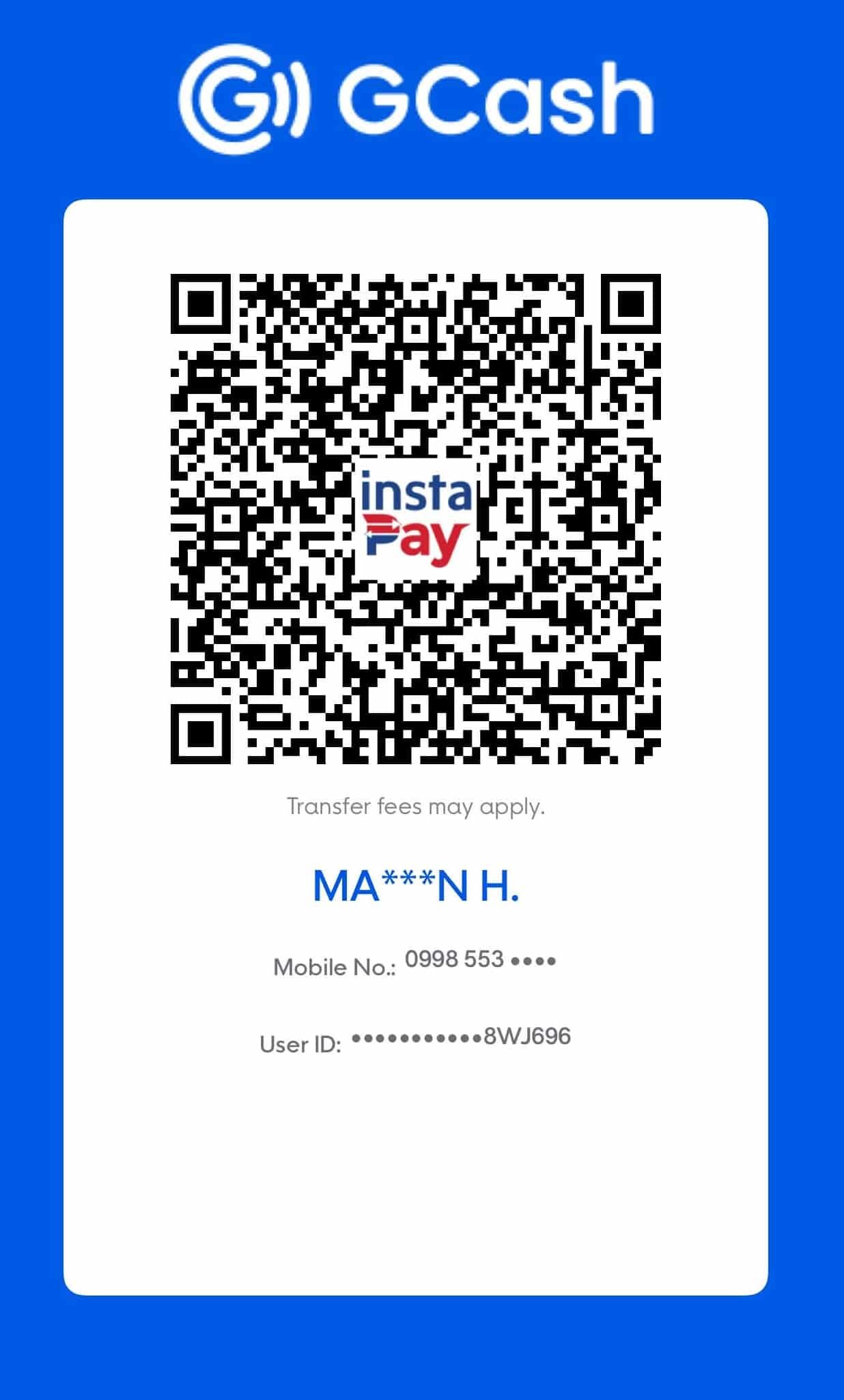
Scan to pay with GCash
Use the verified QR image below to send your payment.
 Open / Save QR Image ↗
On your phone? Save the QR image and use GCash's scan-from-gallery feature if supported.
How to pay
- 1Open the GCash app and choose QR payment.
- 2Scan the code or select the saved QR from your gallery, if supported.
- 3Confirm the recipient and enter the exact amount shown in your agreed payment instructions.
- 4Complete the transfer and save your receipt or transaction reference.
BDO Unibank
Scan the QR code below or transfer using the account details. Keep your receipt.

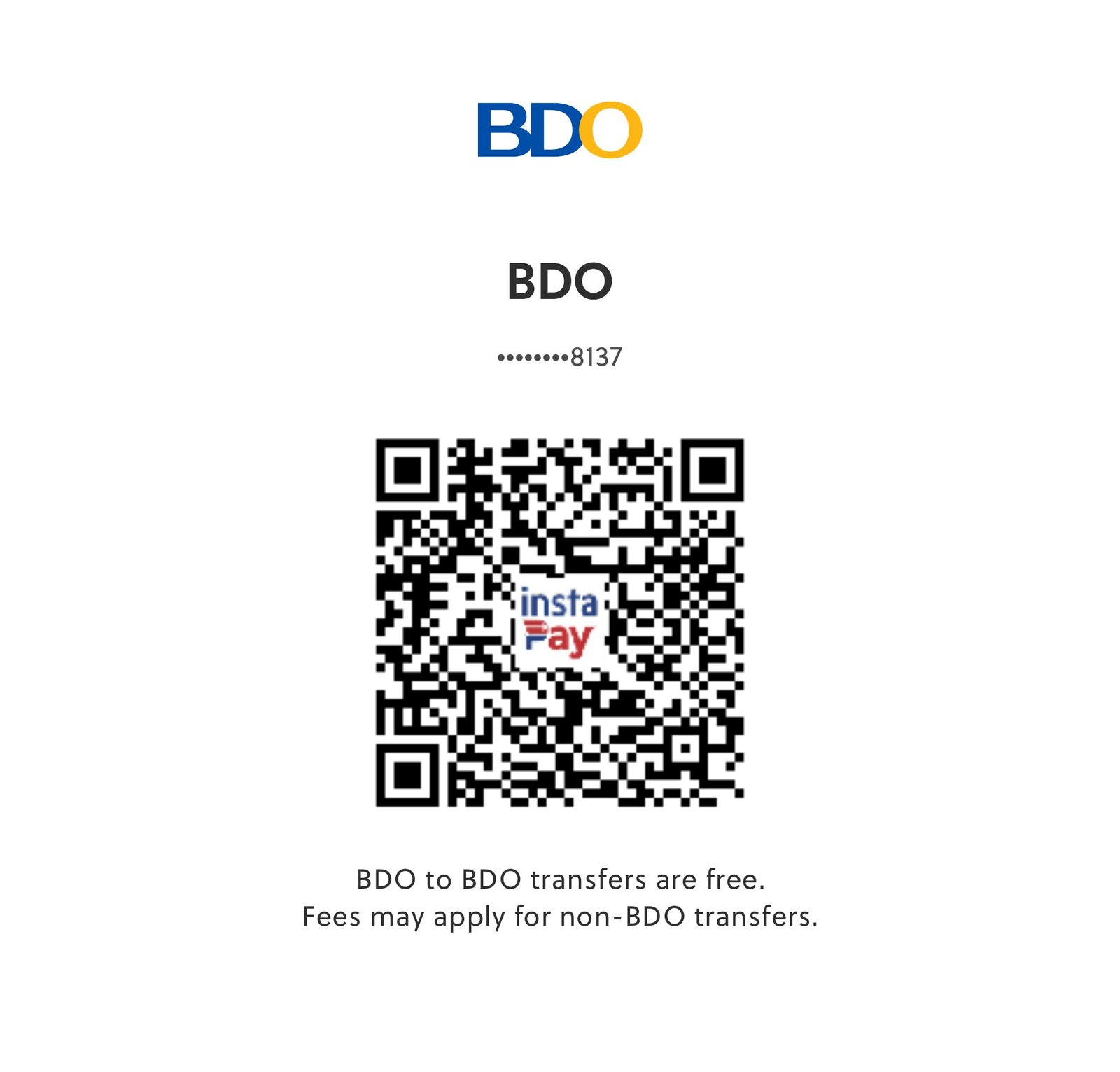
Or pay by scanning this QR code
Open a compatible banking or e-wallet app, choose QR transfer, and scan this InstaPay QR code. On mobile, save the image and import it from your gallery if your app supports that feature.
Check the recipient and exact PHP amount before sending. Keep your transfer confirmation and Order ID.
You may use the Copy Account Number button above instead of scanning the QR code.
BPI
Scan the QR code below or transfer using the account details. Keep your receipt.

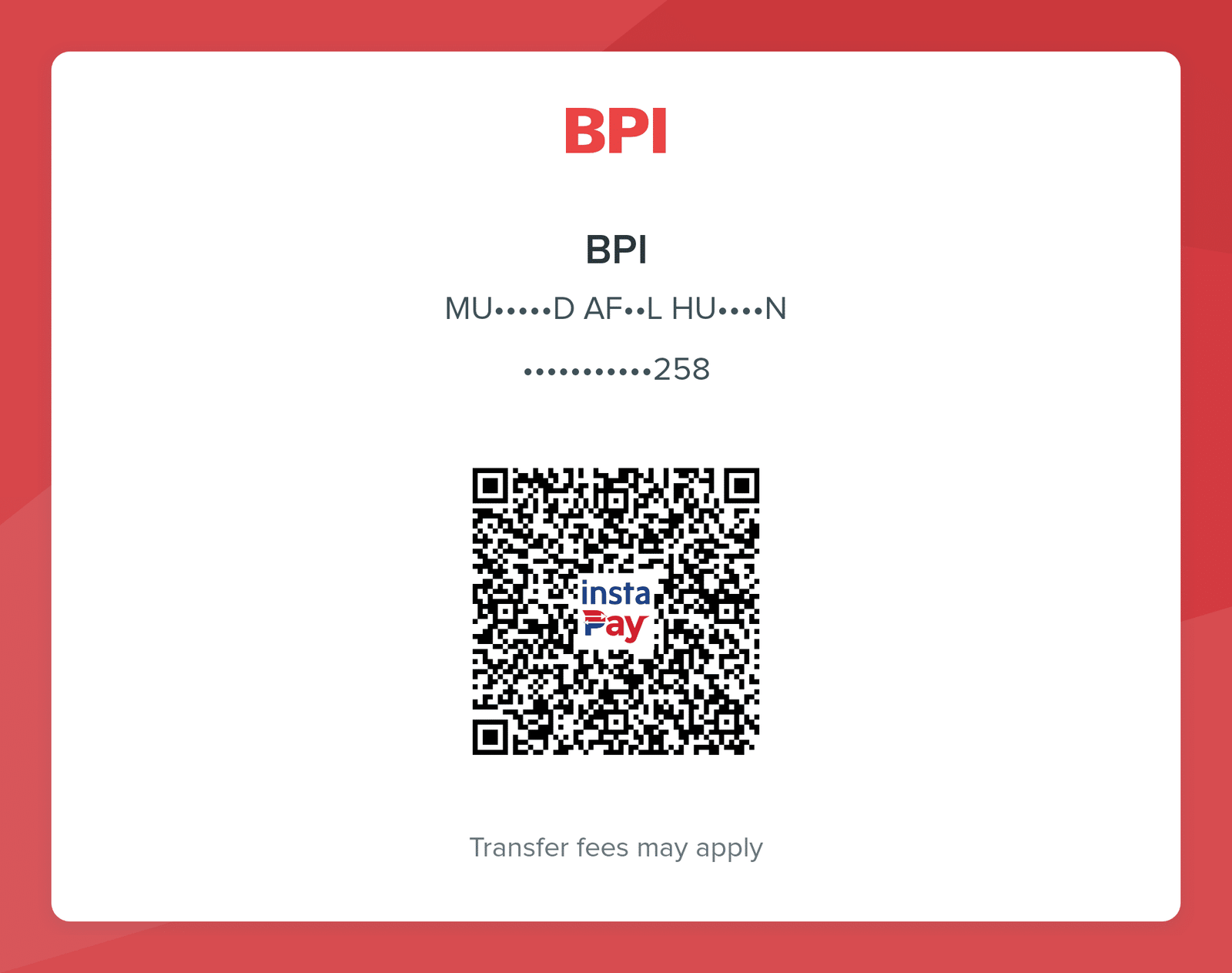
Or pay by scanning this QR code
Open a compatible banking or e-wallet app, choose QR transfer, and scan this InstaPay QR code. On mobile, save the image and import it from your gallery if your app supports that feature.
Check the recipient and exact PHP amount before sending. Keep your transfer confirmation and Order ID.
You may use the Copy Account Number button above instead of scanning the QR code.
Other offline payment options
For customers who prefer sending a remittance, please contact us first to confirm the available service and approved receiver details.
Already paid? Send your confirmation
Email your receipt or transaction reference and Order ID to admin@regalomanila.com. Please also include the sender's name and payment method.
Payment is manually verified. A submitted transfer does not automatically mark the order as paid.
Frequently asked questions
Can I view payment options before placing an order?
Yes. This is a public information page. You can review the methods anytime, but please place an order and confirm the amount before sending money.
Can I pay on my phone?
Yes, you can save the QR image and import it from your banking or e-wallet app if that app supports gallery scanning. Alternatively, copy the bank account number and make a transfer.
Will my order be marked paid automatically?
No. Offline payments are manually checked. Please send your proof of payment and Order ID so we can verify receipt of funds.
My order amount is in US dollars. How much should I send?
Contact RegaloManila for the confirmed PHP amount before paying. Do not use an estimated exchange rate.
Can I use Western Union or another remittance service?
Please select “Other options” and contact us first. Available remittance services and receiver instructions need to be confirmed before sending funds.
Payment safety & helpful reminders
Simple precautions help you send payments confidently.
- Verify the recipient. Compare the name shown in your payment app with the account details displayed here before confirming.
- Confirm your payment amount. If your order is shown in USD, request the confirmed PHP payment amount before transferring.
- Keep your payment receipt. Save the transaction reference and include your Order ID when contacting us.
- Protect your information. We will never ask for your GCash PIN, bank password or OTP to confirm an offline payment.
- Manual verification. QR and bank payments are not automatically tracked by WooCommerce; your order remains pending until funds are verified.